
Understanding Infographics

Infographics are powerful visual tools that communicate complex information quickly and clearly. They combine data, graphics, and text to tell stories and explain concepts in an engaging way.
Definition and Purpose
Infographics are visual representations of information, data, or knowledge. They use a mix of images, charts, icons, and concise text to convey ideas and explain complex topics. The primary purpose of infographics is to simplify heavy data and present it in an easily digestible format.
We use infographics to:
- Communicate large amounts of information rapidly
- Make data more visually appealing and understandable
- Enhance viewer engagement and retention of information
- Simplify complex concepts or processes
Infographics can range from simple road signs to intricate visualizations of global economic trends. Their versatility makes them useful across various industries and fields.
Historical Evolution
The use of visual representations to convey information dates back centuries. Early examples include cave paintings and hieroglyphics. In the modern era, infographics have evolved significantly.
Key milestones in infographic evolution:
- 1786: William Playfair invented statistical graphs
- 1857: Florence Nightingale used polar area diagrams to illustrate mortality rates
- 1970s: Emergence of computer-aided design tools
- 1990s-2000s: Rise of digital infographics with the internet boom
Today, advanced design software and data visualization tools have made infographic creation more accessible and sophisticated than ever before.
Types of Infographics
Infographics come in various formats, each suited to different types of information and purposes.
Common types include:
- Statistical infographics: Present data and survey results
- Informational infographics: Explain concepts or provide overviews
- Timeline infographics: Show historical events or processes
- Process infographics: Illustrate steps or workflows
- Comparison infographics: Contrast different options or ideas
We choose the type based on the nature of the information and the intended message. Each type uses different visual elements to effectively communicate its content.
Design Principles for Infographics
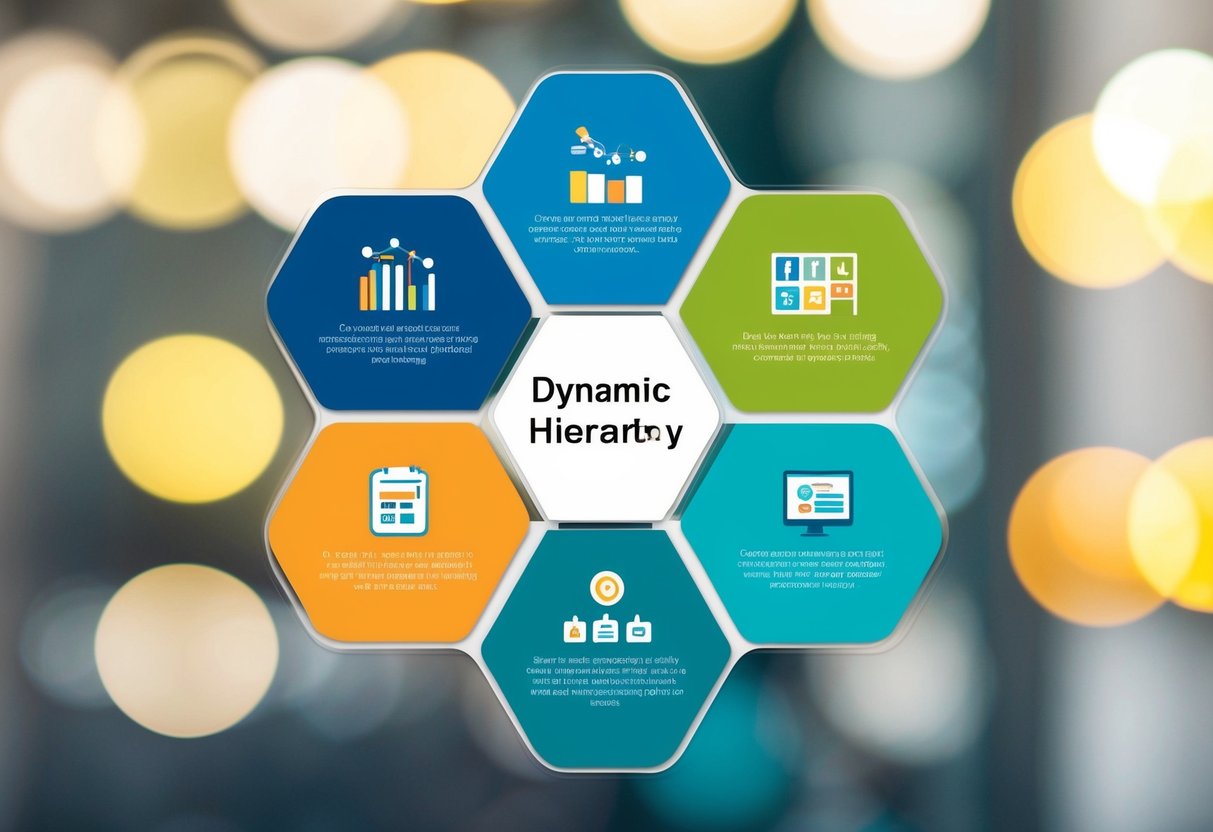
Effective infographics rely on key design principles to communicate information clearly and visually. These principles guide the creation of compelling visuals that engage viewers and convey complex data in an accessible format.
Color Theory and Usage
Colors play a crucial role in infographic design. We choose color palettes that complement each other and align with the content’s tone. Contrasting colors help emphasize important data points and create visual hierarchy.
Cool colors like blue and green often represent calm or professional themes. Warm colors such as red and orange can convey energy or urgency. We limit color choices to 3-5 main hues to avoid overwhelming viewers.
Color-coding related information groups enhances understanding. Maintaining consistency in color usage throughout the infographic aids in information retention and visual flow.
Typography and Readability
Font selection greatly impacts an infographic’s effectiveness. We use clear, legible fonts for body text and more stylized options for headers or emphasis. Sans-serif fonts often work well for digital displays.
Text size hierarchy guides readers through the content. Larger fonts draw attention to key points, while smaller text provides supporting details. We maintain adequate contrast between text and background colors to ensure readability.
Line spacing and text alignment contribute to overall readability. Proper spacing prevents visual clutter and allows for easier scanning of information.
Data Visualization Techniques
Choosing the right chart or graph type is essential for accurate data representation. Bar charts work well for comparisons, while pie charts effectively show proportions of a whole.
We simplify complex data sets into digestible visual formats. Infographics should present key insights without overwhelming viewers with unnecessary details.
Icons and symbols can replace text for quick understanding of concepts. Consistent use of visual elements throughout the infographic reinforces information and improves recall.
Layout and Composition
A well-structured layout guides viewers through the information logically. We use a grid system to align elements and create a sense of order.
Whitespace, or negative space, is crucial for preventing visual overload. It allows important elements to stand out and gives viewers’ eyes a rest.
We create focal points to draw attention to key information. This can be achieved through size, color, or positioning of elements.
The flow of information should follow a natural reading pattern, typically top to bottom and left to right in Western cultures. Clear visual cues help direct the viewer’s eye through the content.
Crafting the Narrative
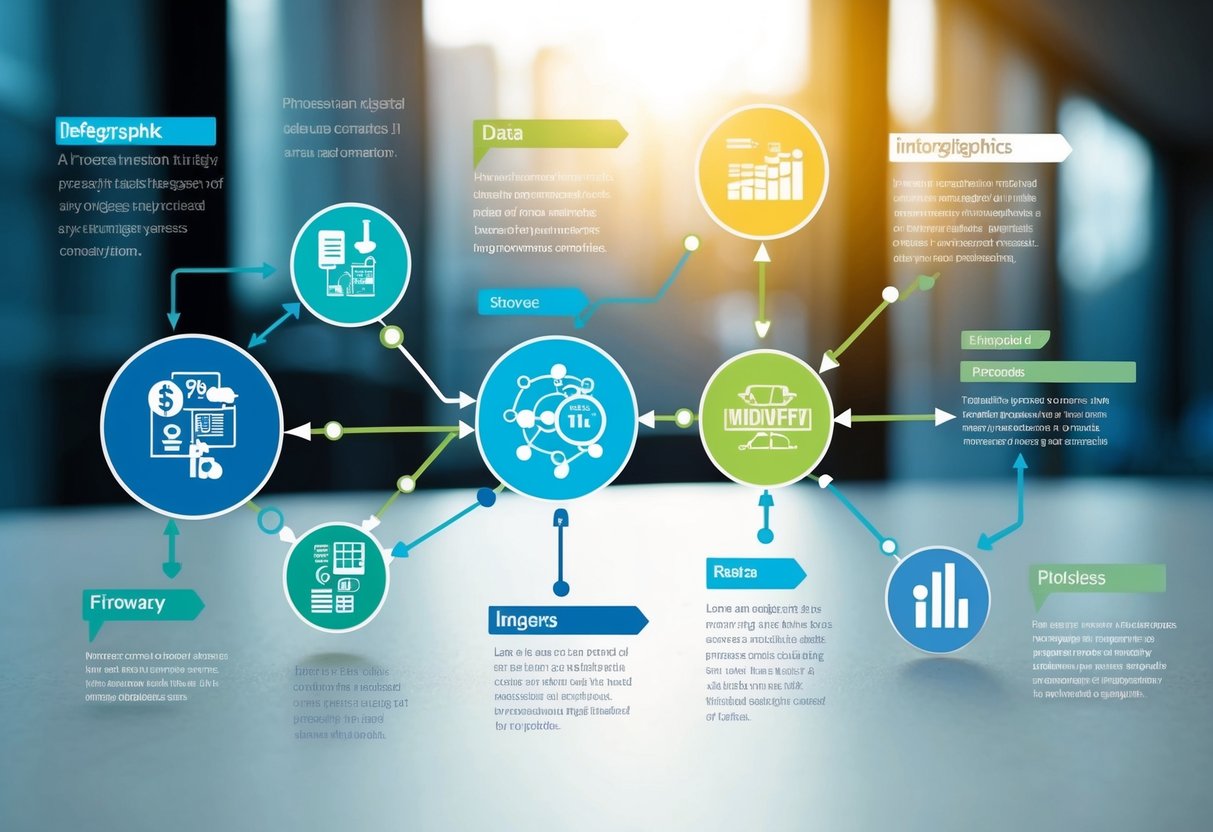
Effective infographics tell a compelling story through data and visuals. We’ll explore how to structure information and use data to create a narrative that engages audiences.
Storytelling with Data
Data becomes powerful when woven into a story. We start by identifying the key message or insight we want to convey. This forms the core of our narrative. Next, we select the most relevant data points that support this message.
Visual elements like charts, graphs, and icons bring the data to life. We choose visuals that best represent the information and capture attention. Color, size, and positioning help emphasize important points.
To maintain flow, we create a logical progression from one data point to the next. Transitional text guides readers through the story, explaining connections between different elements.
Hierarchy of Information
Organizing information in a clear hierarchy is crucial for infographic storytelling. We place the most important or impactful information at the top or center, where it’s immediately visible.
Secondary details support the main message and provide context. We arrange these in decreasing order of importance. This structure helps readers quickly grasp key points while allowing them to delve deeper if interested.
Visual cues like size, color, and positioning reinforce the hierarchy. Larger elements draw attention to primary information. We use consistent styling for each level of the hierarchy to aid comprehension.
Whitespace separates different sections, preventing information overload. We carefully balance text and visuals to create a clean, easy-to-follow layout.
Developing Effective Content

Creating impactful infographics requires thoughtful content development. We’ll explore key strategies for researching, gathering data, and ensuring accuracy to produce informative and reliable visual content.
Research and Data Gathering
We start by identifying reliable sources for our infographic content. Reputable academic journals, government databases, and industry reports offer valuable information. We also conduct interviews with subject matter experts to gain unique insights.
It’s crucial to collect a diverse range of data points. This includes statistics, facts, trends, and historical information relevant to our topic. We organize this information into clear categories, making it easier to structure our infographic later.
We prioritize recent data whenever possible. This ensures our infographic presents up-to-date information that resonates with our audience. For topics with historical context, we include a timeline of key events or milestones.
Data Accuracy and Fact-Checking
Verifying the accuracy of our data is paramount. We cross-reference information from multiple sources to confirm its validity. This process helps identify any discrepancies or potential errors in our collected data.
We pay close attention to the context of statistics and facts. Numbers can be misleading if not properly explained or placed in the right perspective. We ensure our infographic provides necessary context for all data points.
Citing sources is essential. We include references for all key information, either within the infographic or in an accompanying document. This adds credibility to our content and allows viewers to explore topics further if desired.
Technical Aspects of Infographic Creation

Creating effective infographics requires carefully selecting the right tools and incorporating interactive elements. We’ll explore key software options and techniques for adding engaging interactivity.
Software and Tools Selection
Adobe Illustrator and Canva are popular choices for infographic design. Illustrator offers advanced vector graphics capabilities, ideal for creating custom illustrations and complex layouts. Canva provides user-friendly templates and drag-and-drop functionality, making it accessible for beginners.
For data visualization, we recommend Tableau or Microsoft Power BI. These tools excel at transforming raw data into compelling charts and graphs. They integrate seamlessly with various data sources and offer robust customization options.
When working with maps, QGIS is a powerful open-source option. It allows for detailed geographic data manipulation and visualization.
Interactive Elements Integration
Adding interactivity can significantly enhance user engagement with infographics. We often use HTML5, CSS3, and JavaScript to create responsive elements.
Hover effects can reveal additional information or highlight specific data points. Click-to-expand sections allow for deeper dives into complex topics without cluttering the main visual.
Animated transitions between data sets or time periods can effectively illustrate changes over time. Tools like D3.js are excellent for creating these dynamic visualizations.
For web-based infographics, we implement responsive design principles to ensure optimal viewing across devices. This may involve using CSS media queries or JavaScript libraries like Responsive Image.
Audience and Distribution
Effective infographic distribution starts with identifying the target audience and choosing appropriate channels. Optimizing for search engines enhances online visibility and reach.
Target Audience Identification
Knowing your audience is crucial for creating impactful infographics. We recommend conducting market research to understand demographics, interests, and pain points. This insight helps tailor content and design to resonate with viewers.
Consider creating buyer personas to represent different segments of your audience. These profiles guide decisions on topics, visual style, and complexity level.
Use analytics tools to gather data on existing audience engagement. This information reveals preferences and helps refine future infographic strategies.
Channels for Sharing Infographics
Selecting the right distribution channels ensures your infographics reach intended viewers. Social media platforms like Pinterest, Instagram, and LinkedIn are excellent for visual content sharing.
Email newsletters allow direct distribution to subscribers interested in your content. Include a shareable link to encourage further dissemination.
Embed infographics on your website or blog to enhance content and improve user experience. This also boosts on-site engagement metrics.
Consider partnering with industry influencers or relevant websites for guest posting opportunities. This expands reach to new, targeted audiences.
SEO Considerations for Online Visibility
Optimizing infographics for search engines improves discoverability. Use descriptive, keyword-rich file names and alt text for images.
Create a text-based version of the infographic content for search engines to crawl. This can be placed below the image or on a separate page.
Encourage backlinking by making infographics easily shareable. Include embed codes and social sharing buttons to facilitate distribution.
Utilize schema markup to provide search engines with detailed information about your infographic. This can enhance rich snippet opportunities in search results.
Assessment and Analytics
Infographics serve as powerful tools for conveying information and can be evaluated for their effectiveness. We’ll explore methods to assess infographic performance and key metrics to track.
Evaluating Infographic Effectiveness
We assess infographic effectiveness through audience engagement and comprehension. User testing provides valuable insights into how viewers interact with and understand the content. Eye-tracking studies reveal which elements draw the most attention.
A/B testing different versions helps identify the most impactful designs. We analyze factors like color schemes, layout, and data visualizations to determine what resonates best with the target audience.
Surveys and feedback forms gather qualitative data on user experiences and information retention. This input guides improvements and refinements to future infographic designs.
Metrics and KPIs for Performance
Quantitative metrics offer concrete data on infographic performance. We track views, shares, and time spent engaging with the content across various platforms.
Key performance indicators (KPIs) include:
- Click-through rates
- Social media engagement (likes, comments, shares)
- Conversion rates (if applicable)
- Bounce rates
Analytics tools measure these metrics, providing insights into audience behavior and content effectiveness. We use this data to refine our infographic strategies and optimize future designs.
Benchmarking against industry standards and past performance helps set realistic goals for improvement. Regular analysis of these metrics ensures our infographics continue to effectively convey information and engage viewers.
Legal and Ethical Considerations
Creating and sharing infographics involves important legal and ethical responsibilities. We must carefully navigate copyright issues and ensure our data representations are accurate and unbiased.
Copyright and Fair Use
When designing infographics, we need to respect intellectual property rights. Original content creation is ideal, but if we use external images or data, proper attribution is crucial. Fair use allows limited use of copyrighted material without permission, but its application can be complex. We should familiarize ourselves with fair use guidelines and seek legal advice when uncertain.
Licensing options like Creative Commons can provide clarity on permissible uses. For data sourced from government agencies or open databases, we must verify usage terms. Unauthorized use of copyrighted materials can lead to legal consequences, so thorough fact-checking and documentation of sources is essential.
Ethical Data Representation
Ethical infographic design requires presenting data accurately and without bias. We must avoid cherry-picking statistics or using misleading scales that distort information. Context is key – providing necessary background helps viewers interpret data correctly.
Transparency about data sources and methodologies builds trust. We should clearly label any estimates or projections. When dealing with sensitive topics, maintaining objectivity and respecting privacy are paramount. Cultural sensitivity is also important, as symbols or colors can have different meanings across cultures.
Regular fact-checking and peer review can help catch errors before publication. If mistakes are discovered post-publication, prompt corrections are necessary to maintain credibility.
Frequently Asked Questions
Infographics are powerful tools for conveying information visually. We’ll explore key aspects of designing and using infographics effectively.
What are the core principles of designing an effective infographic?
Clarity is essential when designing infographics. Use a clean layout with ample white space. Choose a cohesive color scheme that enhances readability.
Keep text concise and use easy-to-understand language. Incorporate relevant icons, charts, and graphics to illustrate key points visually.
Maintain a logical flow of information from top to bottom or left to right. Ensure all elements are properly aligned and sized for visual harmony.
How can infographics enhance learning experiences for students?
Infographics make complex topics more digestible for students. They present information in a visually appealing format that captures attention.
Visual learners benefit greatly from the use of graphics and diagrams. Infographics can simplify difficult concepts and make them easier to remember.
Students can create their own infographics as assignments, promoting active engagement with the material and improving information retention.
In what ways do infographics simplify complex information?
Infographics break down complex ideas into bite-sized, easily understood chunks. They use visual hierarchies to organize information logically.
Data visualization techniques like charts and graphs make statistical information more accessible. Icons and illustrations can represent abstract concepts concretely.
Color coding and grouping related elements help viewers quickly grasp relationships between different pieces of information.
What steps are involved in creating a compelling infographic from scratch?
Start by clearly defining the main message and target audience. Gather relevant data and information from reliable sources.
Outline the key points and create a rough sketch of the layout. Choose an appropriate style and color scheme that fits the topic.
Design the visual elements and arrange them in a logical flow. Add concise text to provide context and explanations where needed.
Proofread and refine the design, ensuring all information is accurate and visually appealing. Test the infographic with a sample audience for feedback.
How do infographics improve audience engagement compared to traditional presentations?
Infographics capture attention quickly with their visual appeal. They present information in a more digestible format than text-heavy slides.
Viewers can process visual information faster than written text. This allows for quicker understanding and retention of key points.
The combination of text and visuals caters to different learning styles. This makes infographics more engaging for a wider range of audience members.
What are the best practices for selecting data and visuals when making infographics?
Choose data that directly supports your main message. Ensure all information comes from credible, up-to-date sources.
Use visuals that clearly represent the data or concepts. Avoid decorative elements that don’t add value to the information.
Keep charts and graphs simple and easy to interpret at a glance. Use icons consistently throughout the infographic to represent recurring themes.
