
Understanding Image Optimization

Image optimization is a crucial technique for enhancing website performance and user experience. It involves strategically adjusting image files to reduce their size while maintaining visual quality.
Importance of Image Optimization
Image optimization plays a vital role in website performance. It significantly reduces file sizes, leading to faster page loads and improved user satisfaction. Optimized images consume less bandwidth, benefiting both website owners and visitors.
Search engines favor faster-loading sites, giving them higher rankings. This can result in increased organic traffic and better visibility online. Optimized images also contribute to lower bounce rates, as users are more likely to stay on a responsive site.
We’ve found that proper image optimization can reduce page weight by up to 80%, dramatically improving load times across various devices and connection speeds.
Impact on Page Load Times
Image optimization directly influences page load times. Unoptimized images often account for the majority of a webpage’s total size, causing slow loading and poor user experience.
By reducing image file sizes, we can significantly decrease the amount of data that needs to be transferred. This results in faster page loads, especially on mobile devices or slower internet connections.
Core Web Vitals metrics like Largest Contentful Paint (LCP) and First Contentful Paint (FCP) are positively impacted by image optimization. Faster-loading images contribute to improved scores in these critical performance indicators.
A case study showed that optimizing images reduced load times by 81%, demonstrating the powerful effect of this technique on overall site speed.
Image Formats and Their Uses
Choosing the right image format is crucial for effective optimization. Each format has specific use cases and compression characteristics.
JPEG: Best for photographs and complex images with many colors. It offers good compression while maintaining reasonable quality.
PNG: Ideal for images with transparency or sharp edges, like logos or graphics with text. It provides lossless compression but results in larger file sizes than JPEG.
WebP: A modern format that offers superior compression and quality compared to JPEG and PNG. It’s suitable for both photographic and graphical content.
GIF: Used primarily for simple animations. It’s limited to 256 colors, making it unsuitable for complex images.
SVG: Perfect for vector graphics, logos, and icons. It scales infinitely without quality loss and typically has small file sizes.
Tools and Techniques for Image Optimization
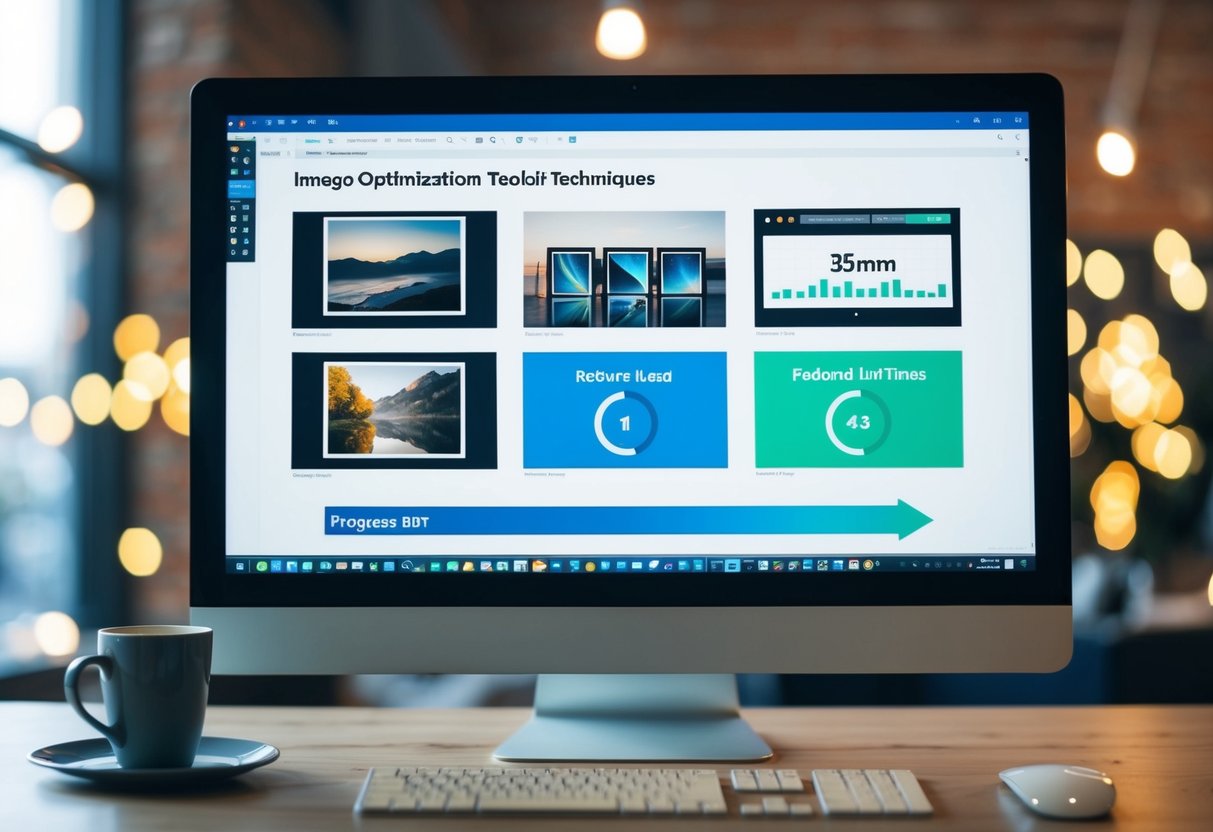
Effective image optimization requires the right tools and techniques to balance quality and file size. We’ll explore key methods for compressing images, selecting appropriate optimization tools, and streamlining the process through automation.
Image Compression Methods
Lossy compression reduces file size by discarding some image data. JPEG is a popular lossy format for photographs, allowing adjustable compression levels. PNG uses lossless compression, preserving image quality but resulting in larger files. It’s ideal for graphics with text or sharp edges.
WebP offers both lossy and lossless compression, often producing smaller files than JPEG or PNG while maintaining similar quality. AVIF is a newer format that can achieve even better compression ratios, though browser support is still growing.
For vector graphics, SVG files are scalable and typically small in size. They’re perfect for logos, icons, and simple illustrations.
Choosing the Right Tool for the Job
TinyPNG and ImageOptim are user-friendly tools for quick image compression. They support batch processing and can significantly reduce file sizes without noticeable quality loss.
Adobe Photoshop offers advanced optimization features, allowing precise control over compression settings and output formats. It’s particularly useful for complex edits before optimization.
Squoosh, a web-based tool by Google, provides a simple interface to compare different compression methods and formats side-by-side. It’s great for experimenting with various optimization techniques.
For server-side optimization, ImageMagick is a powerful command-line tool that can be integrated into build processes or content management systems.
Automation in Image Optimization
Build tools like Webpack and Gulp can integrate image optimization into development workflows. They automatically compress and convert images during the build process, ensuring consistent optimization across a project.
Content delivery networks (CDNs) often include on-the-fly image optimization features. They can resize, compress, and serve images in modern formats based on the requesting device and browser capabilities.
WordPress plugins like Smush and EWWW Image Optimizer automate the optimization process for content management systems. They can compress images as they’re uploaded and even optimize existing media libraries.
Version control hooks can trigger image optimization before commits, maintaining optimized assets throughout a project’s lifecycle.
Image Optimization Best Practices
Implementing effective image optimization techniques is crucial for reducing load times and improving website performance. We’ll explore key practices for selecting optimal image dimensions, utilizing responsive images, and leveraging browser caching to enhance user experience.
Selecting Appropriate Image Dimensions
Choosing the right image dimensions is essential for balancing visual quality and file size. We recommend resizing images to match their display dimensions on your website. For example, if an image will be displayed at 600×400 pixels, resize it to those exact dimensions before uploading.
Avoid scaling images with HTML or CSS, as this can lead to unnecessary data transfer. Instead, create multiple versions of each image for different screen sizes and resolutions.
Tools like Adobe Photoshop or free online services can help you resize images efficiently. Remember to maintain aspect ratios to prevent distortion.
Utilizing Responsive Images
Responsive images adapt to different screen sizes and resolutions, ensuring optimal display across devices. We can implement this using the HTML <picture> element or srcset attribute.
The <picture> element allows us to specify multiple image sources:
<picture>
  <source media="(min-width: 1200px)" srcset="large.jpg">
  <source media="(min-width: 800px)" srcset="medium.jpg">
  <img src="small.jpg" alt="Description">
</picture>
Alternatively, the srcset attribute lets browsers choose the best image based on device capabilities:
<img src="small.jpg" srcset="medium.jpg 1.5x, large.jpg 2x" alt="Description">
These techniques help reduce data usage on mobile devices while providing high-quality images on larger screens.
Leveraging Browser Caching
Browser caching stores website resources locally on a user’s device, reducing load times for repeat visitors. We can control caching behavior using HTTP headers.
Set appropriate Cache-Control and Expires headers for your images:
Cache-Control: public, max-age=31536000
Expires: Wed, 17 Nov 2025 20:00:00 GMT
This example caches images for one year. Adjust the duration based on how frequently your images change.
For images that update regularly, use versioning in file names (e.g., logo-v2.png) or query strings (e.g., logo.png?v=2) to force cache updates when necessary.
Implement a content delivery network (CDN) to distribute cached images across multiple servers, further reducing load times for users worldwide.
Advanced Image Optimization Techniques

Advanced image optimization techniques go beyond basic compression and resizing. These methods leverage cutting-edge technologies and services to significantly enhance website performance and user experience.
Progressive Image Rendering
Progressive image rendering loads images in stages, displaying a low-quality version first and gradually improving quality as more data loads. This technique provides immediate visual feedback to users, reducing perceived load times.
We can implement progressive rendering using interlaced GIFs or progressive JPEGs. These formats store image data in multiple passes, allowing browsers to display a full-size preview quickly.
Another approach is to use low-quality image placeholders (LQIP). We load a tiny, blurred version of the image first, then replace it with the full-quality version once loaded.
Next-Generation Image Formats
Modern image formats offer superior compression and quality compared to traditional JPEGs and PNGs. WebP, developed by Google, provides excellent compression for both lossy and lossless images.
AVIF, based on the AV1 video codec, offers even better compression than WebP. It supports both lossy and lossless compression, as well as HDR and wide color gamuts.
JPEG XL is another promising format, designed to replace JPEG while maintaining backwards compatibility. It offers better compression and supports features like animation.
Image CDNs and Optimization Services
Image CDNs (Content Delivery Networks) and optimization services automate much of the image optimization process. These services can automatically:
- Compress images
- Convert to optimal formats
- Resize for different devices
- Serve from geographically distributed servers
Popular options include Cloudinary, ImageKit, and Imgix. These services often provide on-the-fly optimization, adapting images based on the user’s device and network conditions.
We can also use these services to implement responsive images easily, serving appropriately sized images for each device without manual intervention.
Testing and Monitoring Image Performance
Effective image optimization requires ongoing testing and monitoring to ensure optimal performance. Regular assessment helps identify issues and opportunities for improvement.
Performance Metrics to Monitor
Key metrics for image performance include load time, file size, and image quality. We recommend tracking Time to First Byte (TTFB), which measures how quickly the server responds with the first byte of data. First Contentful Paint (FCP) indicates when the first piece of content renders on screen.
Largest Contentful Paint (LCP) is crucial for images, showing when the largest content element becomes visible. A good LCP score is under 2.5 seconds. Total Blocking Time (TBT) reveals any delays in interactivity caused by heavy image processing.
Web Vitals, a set of metrics from Google, provides a comprehensive view of page performance. Tools like PageSpeed Insights and Lighthouse offer detailed reports on these metrics.
Browser DevTools for Image Analysis
Chrome DevTools offers powerful features for image analysis. The Network tab displays loading times and file sizes for each image. We can use this to identify oversized images slowing down the page.
The Performance tab provides a timeline of page load events, helping pinpoint image-related bottlenecks. The Coverage tab shows which images are actually visible on initial load, useful for implementing lazy loading.
Firefox and Safari also have similar developer tools. These browsers’ network panels can reveal how images are downloaded and if they’re cached properly.
A/B Testing for Image Optimization
A/B testing compares different image optimization strategies to determine the most effective approach. We can test various compression levels, formats, or dimensions to find the optimal balance between quality and performance.
To conduct an A/B test, create two versions of a page with different image optimizations. Split traffic between these versions and measure key performance indicators like load time, bounce rate, and conversion rate.
Tools like Google Optimize or Optimizely can facilitate A/B testing. It’s important to run tests for a sufficient duration to gather statistically significant data. Analyze the results to inform future optimization decisions and apply successful strategies across your site.
Frequently Asked Questions
Image optimization plays a crucial role in reducing load times and enhancing website performance. We’ll address key questions about effective techniques, tools, and strategies to optimize images for faster loading.
What are the most effective techniques for optimizing image loading on a website?
Choosing the right image format is essential. JPEG works best for photographs, while PNG is ideal for graphics with transparency. Compressing images reduces file size without significant quality loss.
Responsive images ensure optimal display across devices. Using srcset and sizes attributes allows browsers to select the most appropriate image version based on screen size and resolution.
Can you describe the role of JavaScript in enhancing image load speeds on a website?
JavaScript enables lazy loading, which defers off-screen images until they’re needed. This technique significantly improves initial page load times, especially for image-heavy websites.
Progressive loading can be implemented with JavaScript. It displays a low-resolution version of an image first, then gradually enhances quality as the full image loads.
What are the best practices for using image optimizers to improve page load times?
Automated tools like Smush for WordPress simplify the optimization process. They compress images, remove unnecessary metadata, and convert formats automatically.
We recommend batch processing images before uploading them to your site. This ensures consistent optimization across your entire image library.
How does AI contribute to image optimization for faster load times and reduced data usage?
AI-powered tools like Imagen 3 enhance image compression algorithms. They analyze image content to apply optimal compression levels without noticeable quality loss.
These tools can also automatically generate multiple image versions for different devices and resolutions, streamlining the responsive image workflow.
What are the benefits of implementing WP Engine’s image optimization features?
WP Engine offers built-in image optimization that automatically compresses and serves images in next-gen formats like WebP. This reduces file sizes and improves load times without manual intervention.
Their CDN integration ensures optimized images are delivered from servers closest to users, further enhancing load speeds globally.
What key strategies can be applied to ensure images are optimized for quick loading and minimal delay?
Implementing a content delivery network (CDN) distributes images across multiple servers, reducing latency for users worldwide. This is especially effective for sites with a global audience.
Using modern image formats like WebP can significantly reduce file sizes compared to traditional formats. Browser support for WebP has greatly improved in recent years.
